

Punch Today - Zzz Mode
Visual Rhythm Trainer
A dopamine-friendly alternative before sleeping.
▶ OPEN Zzz MODE WEB APPThis app is for free, but a coffee is always welcome.
CREDITS: Patrick Lejewaan (PWLIVE)
|
POWERED BY: Gemini
Zzz MODE MANUAL
Install & use directly with your mobile web browser
1. INSTALLATION (PWA)
iPhone:
Open in Safari, tap the 'Share' icon (the square with an arrow) and select 'Add to Home Screen'.Android: Open in Chrome, tap the 'three dots' in the corner and select 'Add to Home Screen' or 'Install app'.
Standalone Web App: Once installed, Zzz Mode launches as an independent app without browser bars or distractions, working smoothly offline.
------
2. CORE FEATURES & HOW IT WORKS
+ MANUAL RHYTHM FADING (Hold Zzz): Press and hold the round 'Zzz' button to start fading your screen into deep black. Release to bring the ambient color back.
+ SPEED SLIDER: Adjust the slider to set your visual rhythm pace, from quick relaxation to ultra-slow deep cycles.
+ AUTO-PILOT MODE (🕒): Set a timer (10, 20, 30, or 40 minutes) and let the app cycle automatically between your chosen theme tint and pure dark.
+ HALFTIME SLOWDOWN (50%): Automatically cuts the visual rhythm speed in half during the second part of your Auto-Pilot session for deeper relaxation.
+ FULLSCREEN & TAP-TO-WAKE: Optional fullscreen mode prevents UI interruptions. Double-tap (or single-tap if configured) during Auto-Pilot gently wakes up the interface.
2. CORE FEATURES & HOW IT WORKS
+ MANUAL RHYTHM FADING (Hold Zzz): Press and hold the round 'Zzz' button to start fading your screen into deep black. Release to bring the ambient color back.
+ SPEED SLIDER: Adjust the slider to set your visual rhythm pace, from quick relaxation to ultra-slow deep cycles.
+ AUTO-PILOT MODE (🕒): Set a timer (10, 20, 30, or 40 minutes) and let the app cycle automatically between your chosen theme tint and pure dark.
+ HALFTIME SLOWDOWN (50%): Automatically cuts the visual rhythm speed in half during the second part of your Auto-Pilot session for deeper relaxation.
+ FULLSCREEN & TAP-TO-WAKE: Optional fullscreen mode prevents UI interruptions. Double-tap (or single-tap if configured) during Auto-Pilot gently wakes up the interface.
------
3. THEME TINTS & ACCESSIBILITY
+ COLOR SWATCHES (⚙️ Settings): Choose from calming ambient tones including Bordeaux, Night Blue, Deep Purple, and Dark Gray.
+ MAX INTENSITY SLIDER: Adjust maximum color brightness (20% to 100%) to match your nightstand environment.
+ LEFT-HANDED MODE: Reverses control bar layouts for comfortable single-handed use.
+ SCREEN WAKE LOCK: Keeps your screen safely on during Auto-Pilot sessions without auto-locking.
3. THEME TINTS & ACCESSIBILITY
+ COLOR SWATCHES (⚙️ Settings): Choose from calming ambient tones including Bordeaux, Night Blue, Deep Purple, and Dark Gray.
+ MAX INTENSITY SLIDER: Adjust maximum color brightness (20% to 100%) to match your nightstand environment.
+ LEFT-HANDED MODE: Reverses control bar layouts for comfortable single-handed use.
+ SCREEN WAKE LOCK: Keeps your screen safely on during Auto-Pilot sessions without auto-locking.
------
4. SAFETY & WELLNESS ADVICE
Zzz Mode is designed as a calm visual rhythm trainer to assist relaxation before sleep. It is intended purely as a personal wellness aid and does not substitute professional medical care or therapy.
⚠️ Important Safety Advice: Use this app in a softly dimmed room. Place your device on a nightstand. For safety, do not charge your phone while sleeping or using this app.
4. SAFETY & WELLNESS ADVICE
Zzz Mode is designed as a calm visual rhythm trainer to assist relaxation before sleep. It is intended purely as a personal wellness aid and does not substitute professional medical care or therapy.
⚠️ Important Safety Advice: Use this app in a softly dimmed room. Place your device on a nightstand. For safety, do not charge your phone while sleeping or using this app.
------



|
|---|
| Credits: |
| Patrick William Lejewaan |
| Music, creations, inspirations, improvise, |
| PWLIVE |
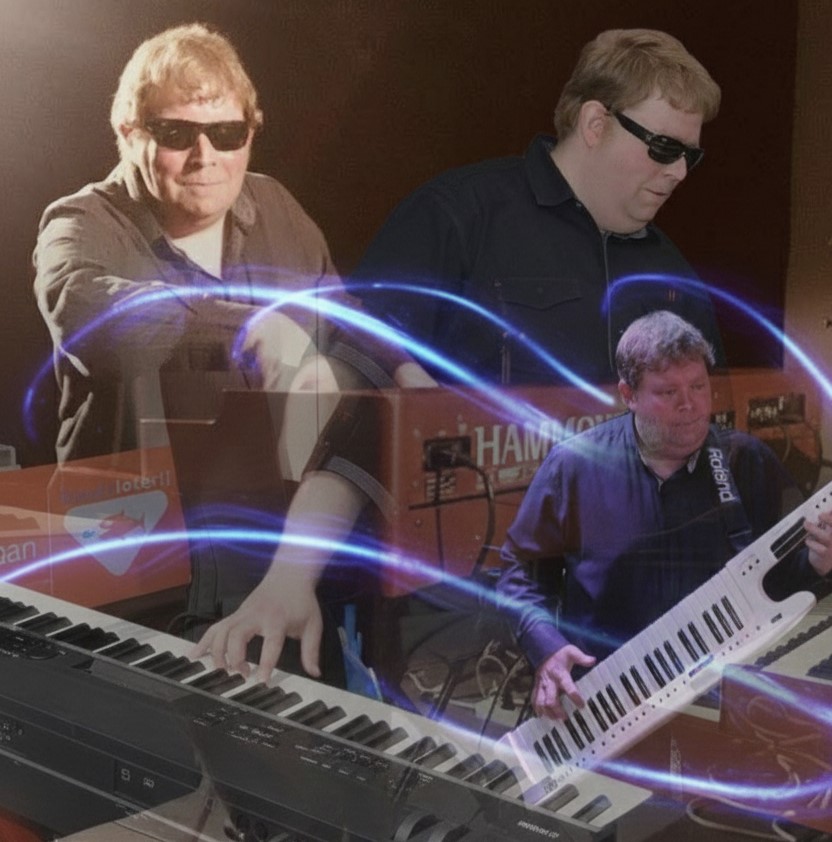
musician
lives in The Hague
and is the webmaster of:

Last-update:
November 2026
+ Zzz Mode PWA
+ Auto-Pilot Mode
+ Halftime Slowdown
